
How to Remove AI Metadata from Midjourney Images
Midjourney exports contain hidden tags that trigger automatic AI labels on social media platforms. UnlabelAI cleans these embedded tags in your browser so your images post cleanly like standard photos.
Drag & Drop Photos Here
Instant AI Labeling Across All Major Social Feeds
Direct downloads from Midjourney carry hidden digital tags that instantly trigger "Made with AI" labels and algorithmic reach throttling on Instagram, Facebook, LinkedIn, TikTok, and X.
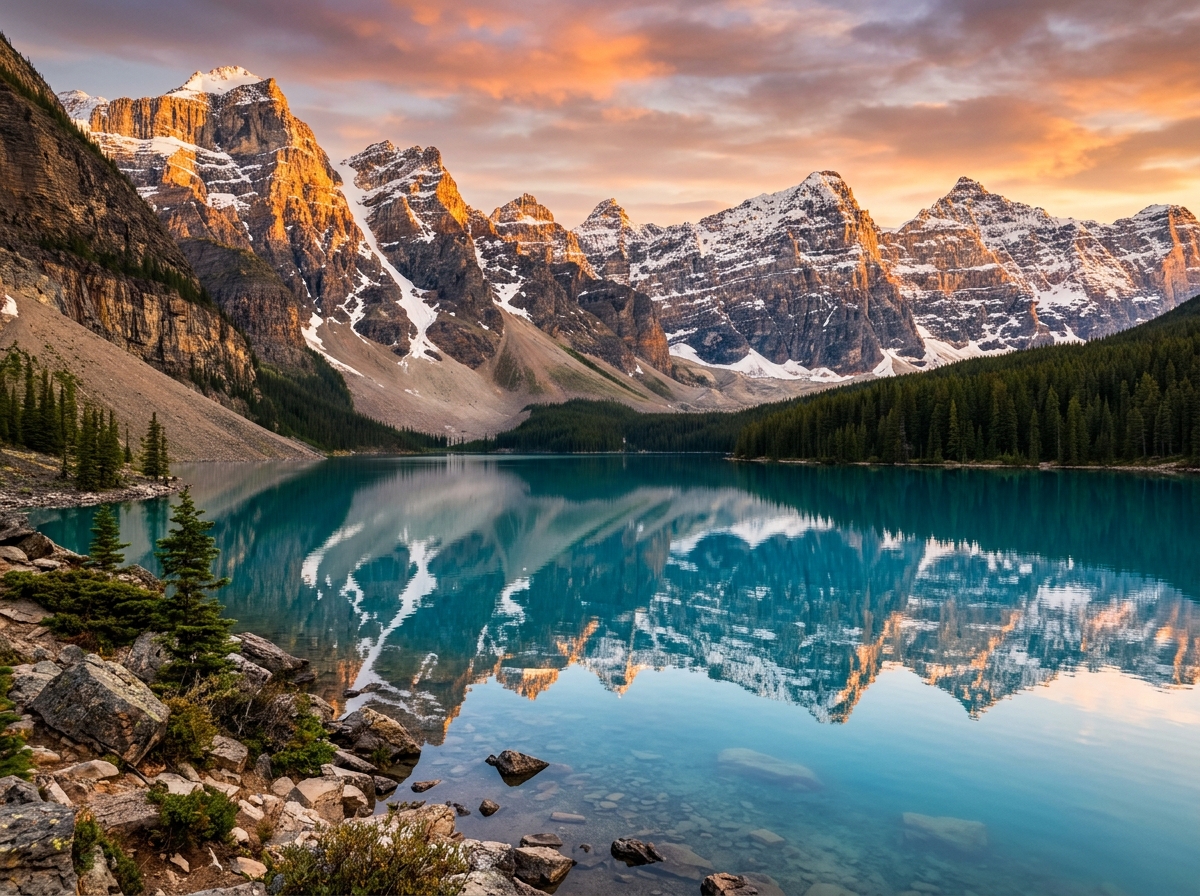
Atmospheric scenery exploration. Light balance and architectural silhouettes in twilight.
How Midjourney Flags AI Media
Tier 1: Embedded Tracking Certificates
Midjourney embeds digital origin certificates detailing software versions, timestamps, and generation data.
Tier 2: Visual Diffusion Classifiers
Social platform vision bots identify distinct Midjourney lighting curves, smoothed skin textures, and geometric patterns.
Cleans hidden AI tags and softens synthetic pixel patterns directly in your browser memory so uploads pass reach filters without quality loss.
How to Remove the "C2PA Content Credentials" Label in 3 Steps
- STEP 01
Export Your Visual
Export your visual from your AI generator or editing tool to your device.
- STEP 02
Sanitize in Unlabel AI
Drop the file into Unlabel AI to clean C2PA tags and blend pixel patterns in your browser.
- STEP 03
Download & Publish Clean
Download the clean file and post it to Midjourney without triggering automated tags.
Midjourney AI Label Removal FAQ
Related Platform Guides
Create with AI. Reach your full organic audience
Keep posting AI-improved content without losing views
Cancel anytime